

Build an automation the way you would describe it to a colleague.
Clear the Teams cache on contact-centre laptops every Friday evening. You lay that out as steps, someone approves it, and every laptop in the group runs it.
Sentence in, automation out
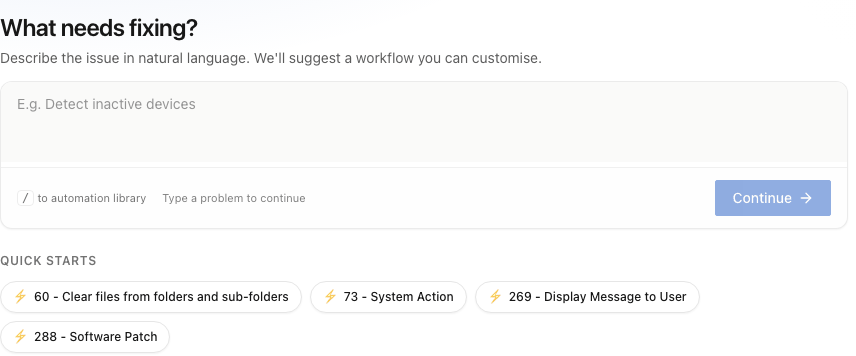
Fixes, patches and policies are built in the same place.
All three change files, registry, services and settings through the same built-in actions, so they are built, staged, published and logged the same way.
Automate Issues.
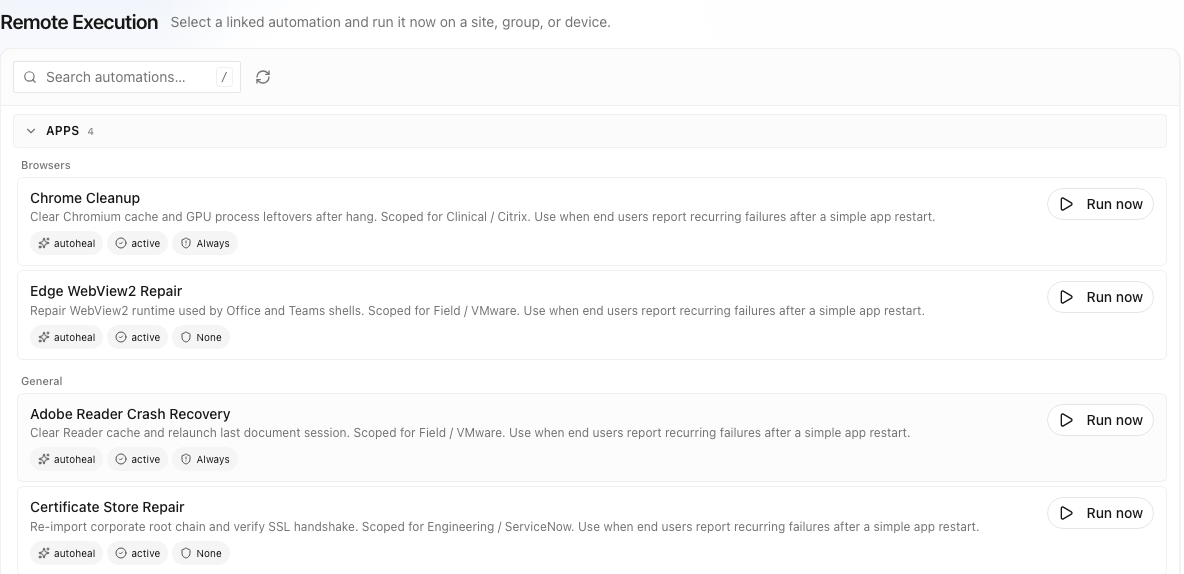
The device reports the problem and the approved fix runs on it: unattended, offered to the employee or run by the service desk.
Learn more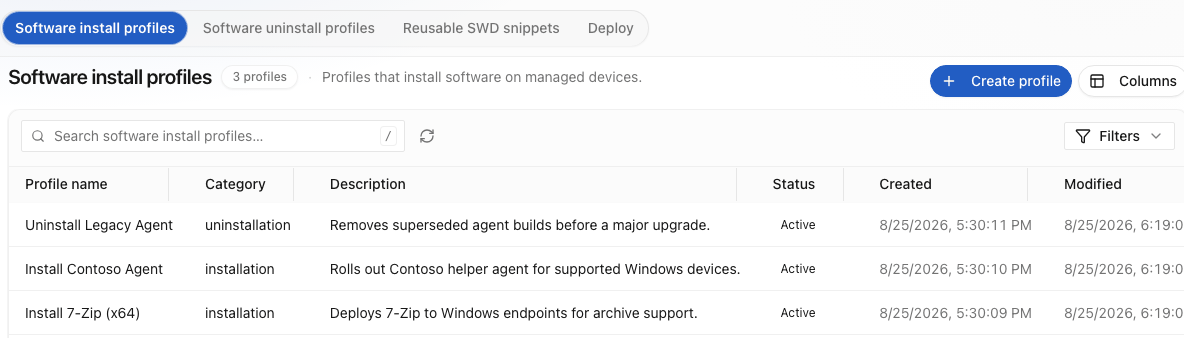
IT operations and compliance.
Software installs, patches, policies and the small jobs that still land on a person, built in the same place as a fix.
Learn more
Orchestration.
Some fixes finish somewhere else: a ticket to close, a password to reset. The same automation carries on into the service desk, the directory or any system with a standard API.
Learn moreEvery step is an action the agent already has.
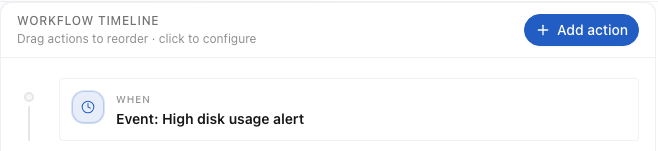
Take the Teams cache job. You pick the contact-centre group and set it for Friday at 7pm. A check asks whether Teams is running; if it is, a prompt asks the employee before it closes. Then the cache folder is cleared and the run is logged. That is the whole automation in the visual automation builder, and you can start it from the automation library rather than a blank page.
Each step becomes settings for a fixed set of signed actions, so your approver reads steps, not PowerShell, and there is nothing to rewrite after the next OS update. They approve it once. Every run after that is tied to that version, the group it went to and the person who released it. How governance works.

- WhenFriday, 7pmContact-centre group
- CheckIs Teams running?No → go straight to the clear
- Ask“Close Teams so its cache can be cleared?”The employee answers; the answer picks the branch
- ActClear the Teams cache folderA built-in file action. Nothing new installed.
- LogRun recordedTied to the version, the group and the person who released it
Anyone in IT can build the next fix.
Four kinds of step cover every fix, IT task and policy. Your desk lead can build one, and your approver can read it.
- When
Trigger. A problem the device reports, a request or a schedule.
- Check
Branch on the facts. Test resources, service and process state, latency, and whether a file, key or application exists.
- Ask
Involve the employee. A prompt on the device can ask before acting, and the answer can change the branch.
- Act
Use built-in actions. Steps call actions the agent already has. Nothing new is installed.
The visual automation builder (Workflow Builder in the console) offers decision conditions, end-user prompts and reusable snippets. Each flow is checked before it can run, with a check that stops anything incomplete, so a broken flow is caught in the console, not on a device.
Who acts is set per fix and per device group, without rebuilding anything. See the four delivery modes