Manage & evolve
Find the next fixes worth adding, and prove each one worked.
Automation usually stops after the top few call drivers, because every new script is one more to maintain. OneDrive sync stalls at three sites. The desk renews expiring certificates by hand. Nanoheal finds gaps like these, ranks them, and once they are covered shows whether the experience score moved.
- Outlook profile corrupt in the library
- VPN adapter stale in the library
- Disk nearly full in the library
- Teams cache bloat in the library
- Printer queue stuck in the library
- Wi-Fi profile broken in the library
- Slow logon script add in plain language
- Certificate expiring add in plain language
- OneDrive sync stalled add in plain language
- Browser policy drift add in plain language
The next gap is already in the data.
Haya, Nanoheal’s AI and analytics, flags anomalies such as OneDrive sync stalling across three sites, and gives a root-cause ranking of which sites and device groups drove an anomaly, so you know where to act. Nanoheal also takes in inbound ticket events from your ITSM, which shows the calls the desk still handles by hand.
Existing fixes report success rate, failure breakdown and average duration for every automation. A fix that fails on one Windows build is a gap. So is a problem that keeps coming back with no fix in the library, like a certificate the desk renews by hand every week.
OneDrive sync stalled
Rising across three sites this month
A recurring problem with no matching fix
→ add in plain languageCertificate expiring
Closed by hand at the desk, week after week
A call the desk still handles by hand
→ add in plain languageVPN adapter reset
Succeeds everywhere except one Windows build
A fix that fails on one build
→ tune the entryStart with the gaps that cost the most.
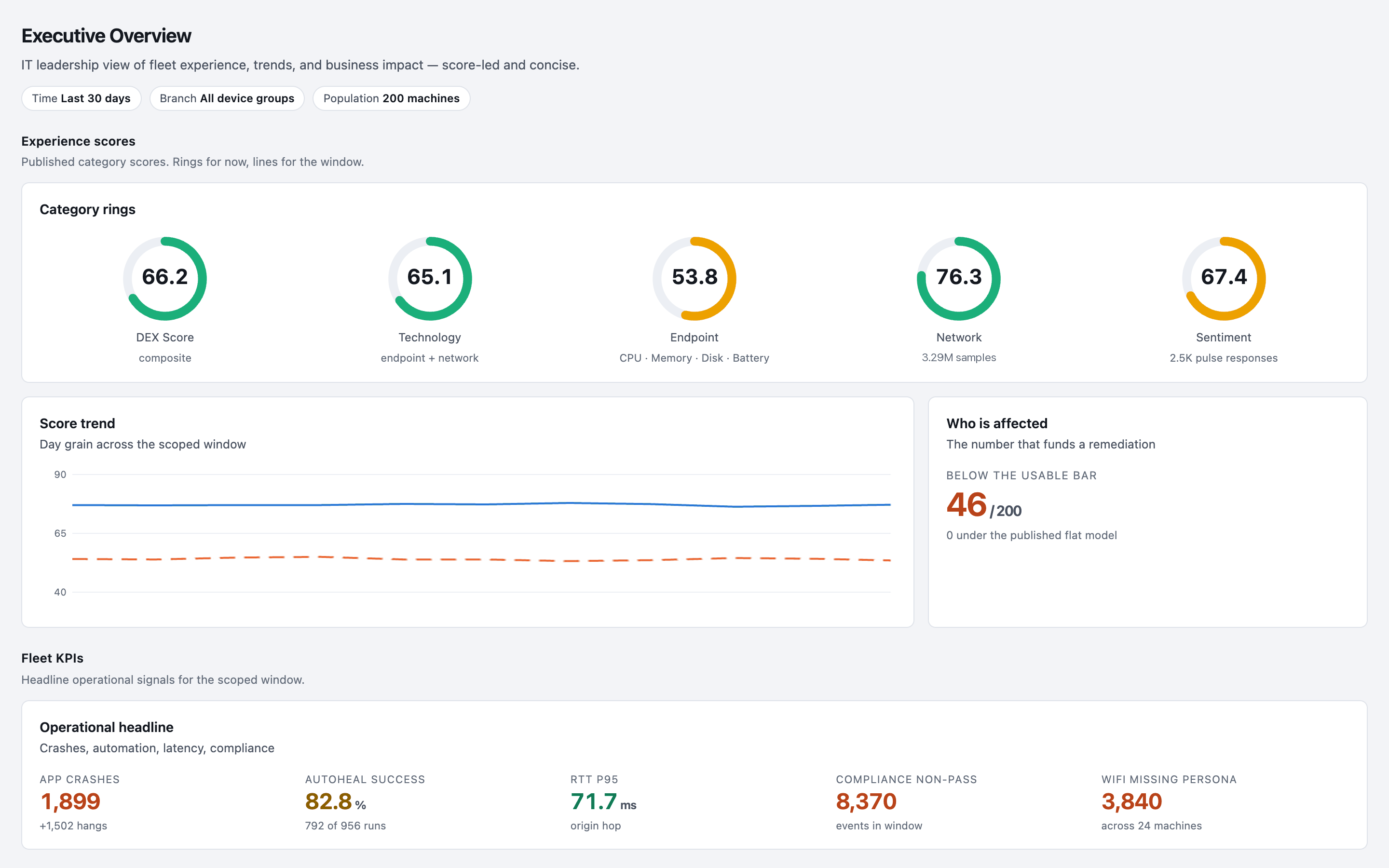
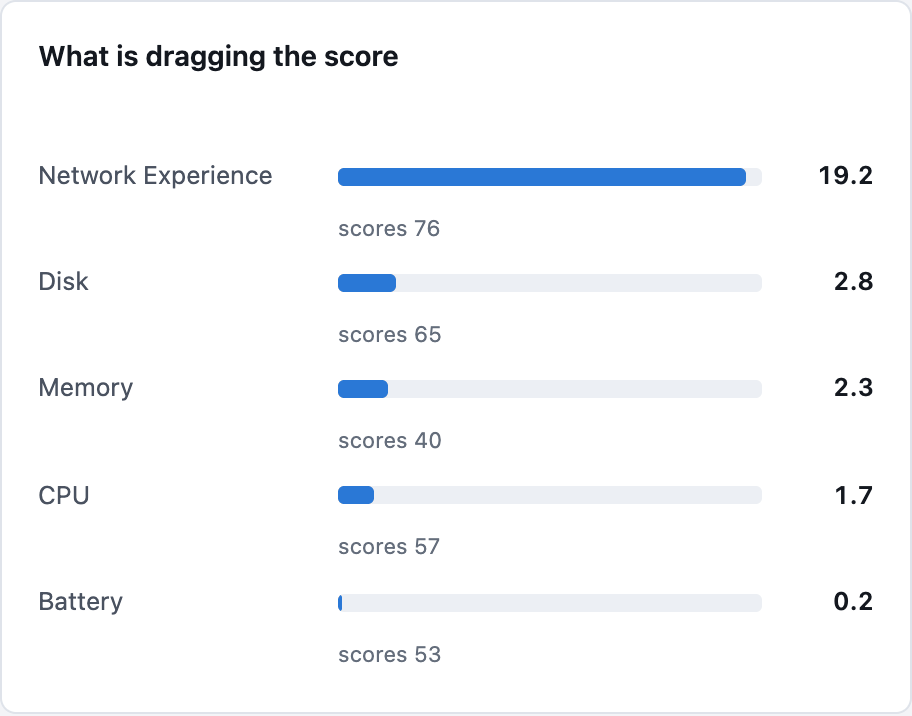
Weigh each gap by tickets, technician hours and how far fixing it would move the experience score. The result is automation opportunities ranked from ticket and telemetry data: a ranked queue with a value attached to each line.
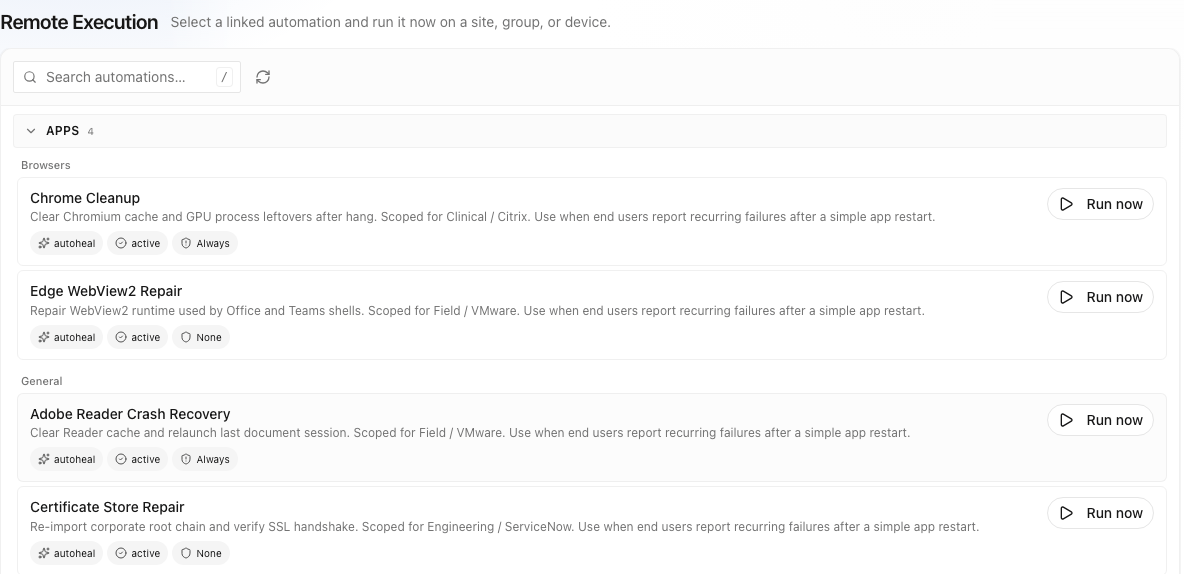
Switch the fix on from the library, or build it.
If the automation library has the fix, switch it on. If not, describe it in the visual automation builder. A person approves it once, and it serves every mode and group it is published to.
In the automation builder.
Your line-of-business apps get entries laid out in the visual automation builder. See the builder.
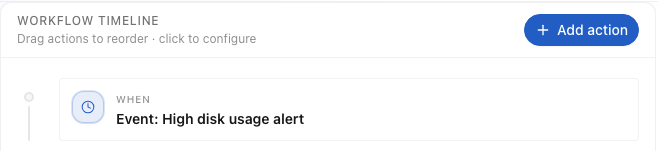
From run by the desk to running on its own.
Success rates show which fixes have earned the right to run without anyone. How fixes are delivered.
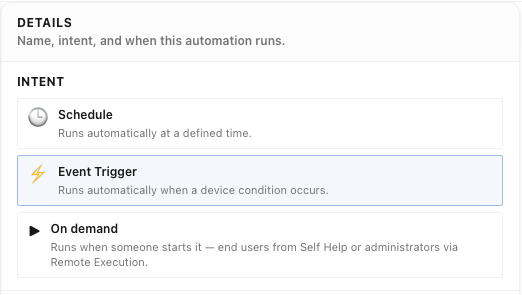
Once the certificate fix is live, the desk stops renewing certificates by hand, and nobody maintains a script for it.
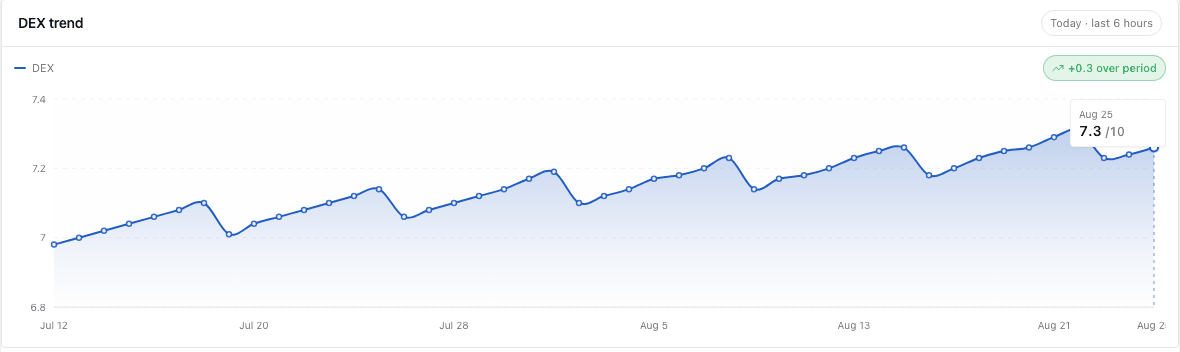
Show the experience before and after every fix.
For experience-level agreements (XLAs), the experience is measured the same way before and after, with the fixes that moved it on the record.
- Score movement. The experience score before and after each fix, for each group it was published to.
- Ticket avoidance. Tickets counted before and after each fix goes live.
- What it is worth. Tickets the desk no longer handles and time employees get back, priced for your fleet with the Outcomes model.
- The record. Each fix resolves to an approved version, each change to a person and each score to a profile version. That record is exportable as an evidence pack.
- Per client. The platform is multi-tenant, with per-tenant branding and licence pools, so each client’s evidence stays with that client.