

Healthcare
Shared clinical workstations, ready when clinicians are.
A clinician logs in to a shared workstation between patients and has seconds, not minutes. Nanoheal keeps those workstations, their printers and their virtual desktops healthy, and fixes what breaks on the device.
Fixed on the device, then checked.
From the fault on one device to the pattern across every site. Each fix is already in the automation library: it runs when the device reports the problem, checks the result, and hands the case to IT, with the evidence, only if it didn’t hold.
-
Across wards
A clinical app starts crashing on every ward after an update.
- Haya gives a ranking of the wards and builds behind it: one update, one group of workstations.
- IT approves rolling it back for that group. It runs on one ward first, then the rest: staged, approved and versioned.
- Each workstation is checked afterwards; wards without the update aren’t touched.
Clinicians keep working while IT fixes the cause.
-
Before it fails
A certificate the clinical app needs expires on Friday.
- Certificate renewal runs on every shared workstation before it lapses.
- The agent checks the clinical app still connects.
- Any workstation where it didn’t take goes to IT with the evidence, before Friday.
Nobody is locked out of the app at the bedside.
-
Between patients
A shared workstation slows through a twelve-hour shift.
- Dozens of logins leave temp files and caches behind, and the workstation falls behind its own usual speed.
- They are cleared and stalled services restarted.
- The workstation is checked afterwards: ready for the next login.
Seconds to log in, not minutes.
And the everyday fixes
Clinical workstations get their own fixes.
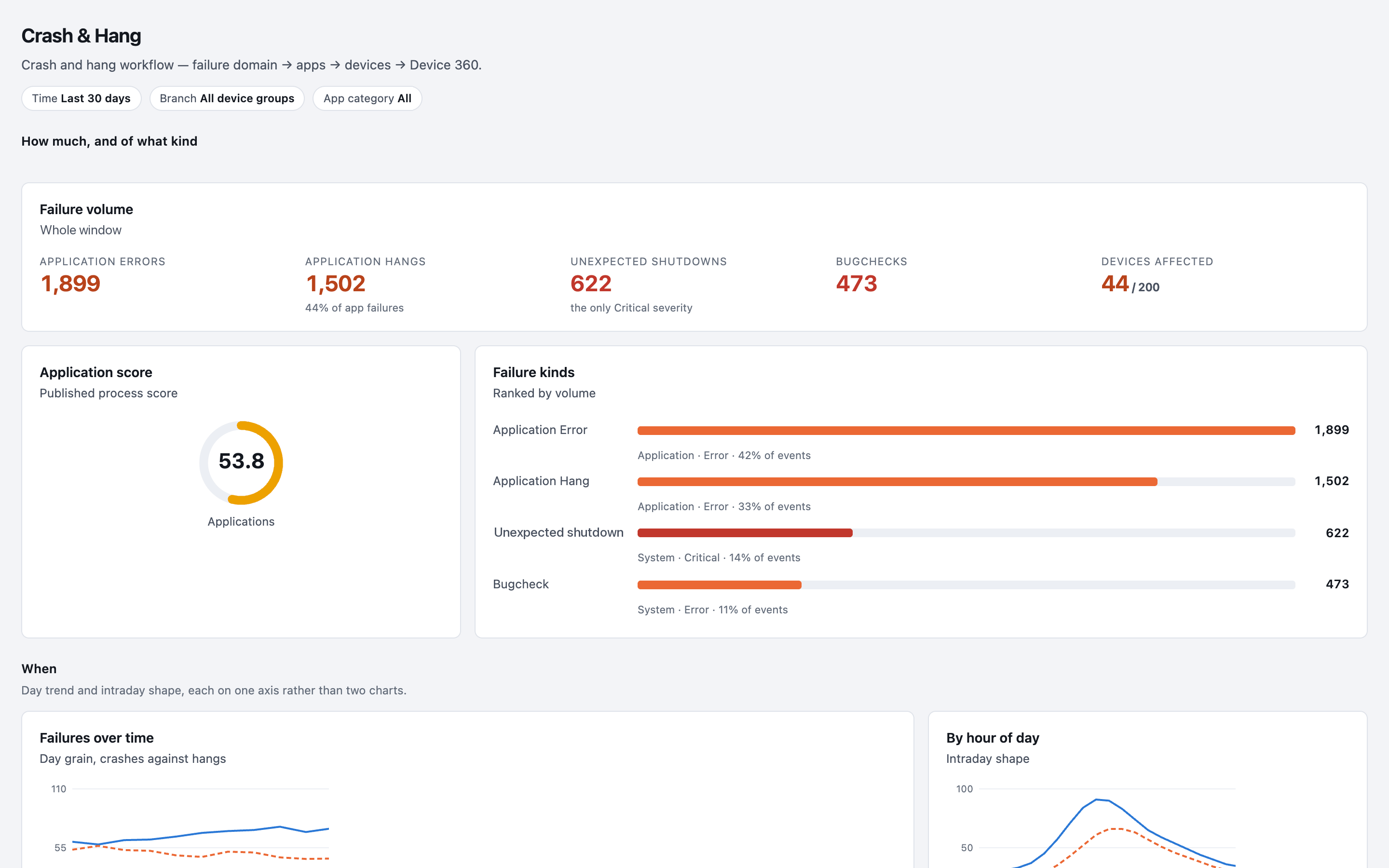
A fix is published to the groups it suits, so a shared clinical workstation or a Citrix desktop gets entries made for it, with its own rules for when they run. Haya, Nanoheal’s AI and analytics, shows which applications fail most, so the ward’s worst problem is fixed first. Hosting can be SaaS or on-premises.
What it’s worth
- More time with patientsLess waiting on a workstation.
- Ready between patientsFixed before the next login.
- Every ward the sameOne baseline, ward by ward.
- Fewer calls from the wardFixed on the device.
Free automation assessment
Send us your wards’ top call drivers.
We map them against the library and email you a report: what resolves out of the box, what to build, and where to start. No call needed.
The same library, the same agent and the same approvals, set up for how your sites work.