

IT task automation
The small requests that keep people waiting.
A printer that won’t map, a profile that won’t load, a new starter with no access on day one. Each is a wait for the employee and a manual job for IT, and none earns an automation project on its own. Nanoheal runs them from the library, or from a sentence you type.
When a new starter’s laptop joins the finance group, install the finance apps and map the shared drives.
Quick start from the library Onboarding sequence
- WhenLaptop joins the finance groupRequest
- WhereFinance laptopsDevice group
- CheckFinance apps not yet installedApplication state
- ActInstall finance apps, map drivesBuilt-in action
- VerifyApps present, drives mappedFinal check
Small tasks stop being expensive.
A certificate expires or a printer needs remapping: small, frequent, and never big enough for an automation project, so it waits for a technician. Describe it in a sentence instead, check it once and publish it to a group. The next person with the same request runs it from self-service and doesn’t wait.
- 01Described in a sentenceBy whoever does the task today, in plain language.
- 02Checked once, publishedA person approves it for a pilot group, then the fleet.
- 03Self-service next timeThe same request runs in a click, with no ticket.
Most of it is already written.
The tasks every IT team shares are among the library’s 1,200+ automations on day one. You add the ones only you have, in plain language, beside them.
- In the library
- Added in plain language
- drive mappings
- printer setup
- profile resets
- certificate renewal
- disk cleanup
- kiosk reset
- onboarding sequences
- software repair
- VPN re-register
- Outlook profile repair
- Teams cache clear
- disk space reclaim
- lab share mapping
- local admin cleanup
- browser policy
- font install
- driver rollback
- OneDrive reset
- print queue purge
- badge printer driver
- Wi-Fi profile
- BitLocker key escrow
- start-up item cleanup
- mapped share repair
- offboarding sequence
- patch rollback
- Windows Update retry
- scanner pairing
- temp folder purge
- DNS cache flush
- proxy reset
- default app reset
- language pack install
- offline files reset
- ward trolley reset
- credential cache clear
- WebView2 repair
- agent reinstall
- Group Policy refresh
- service restart
- audio device reset
- branch till restart
- printer driver update
- power plan
- Office repair
- time sync
Software, new starters and your own tasks run the same way.
Install and patch, set people up and take them off, and write the jobs only your team knows.
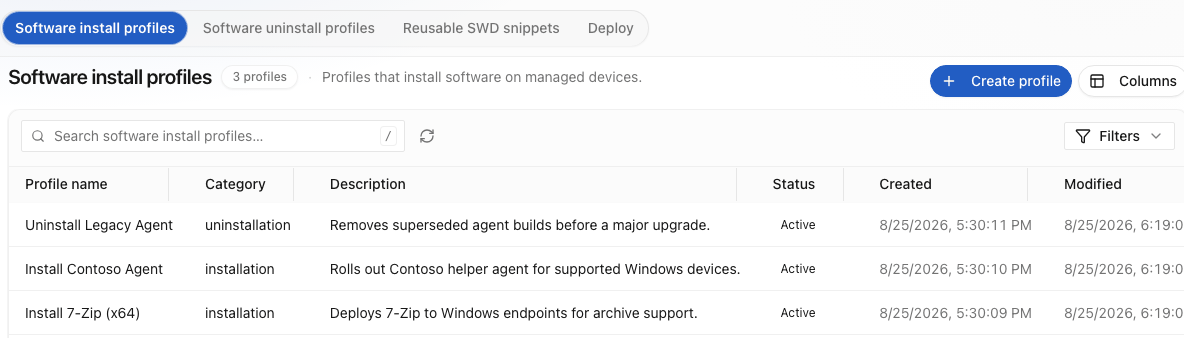
Applications and patches go to every device or to one group: distribution and patch install, with rollback for a version that misbehaves. The result is verified on the device, not read off the deployment record, and a failed install triggers its own repair.
Compliance & Governance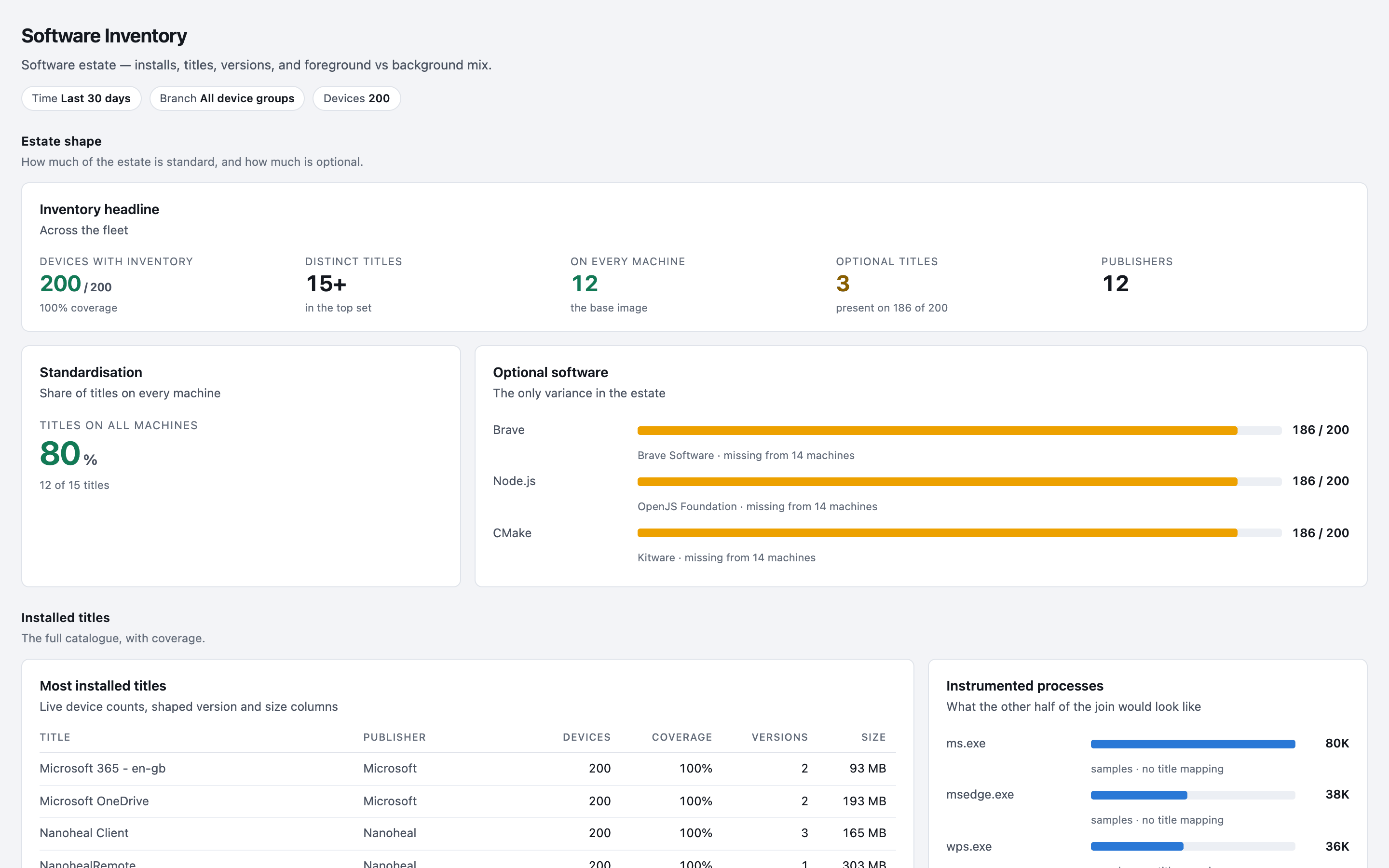
Optional softwareThe only variance in the estate
A new starter needs a laptop set up, a directory account and the ticket closed, in that order. Automate the laptop alone and someone still chases the rest. Nanoheal reaches ServiceNow, Active Directory and any system with a standard API, so the whole set-up runs as one approved action.
Orchestration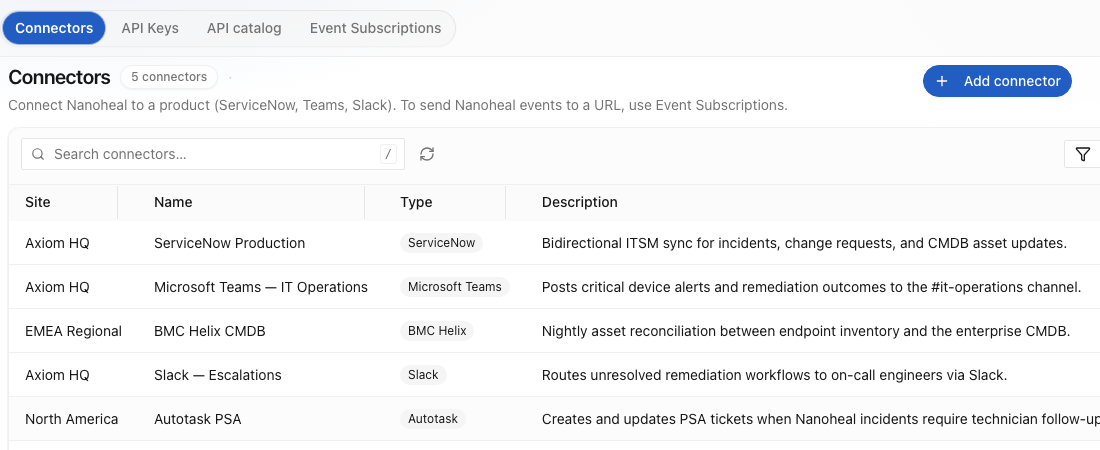
Whoever does the task describes it in plain language. What comes back is a set of steps the approver can read, and anyone in IT can maintain. Each step uses a fixed set of signed actions, so nothing new lands on the device.
Automations in plain language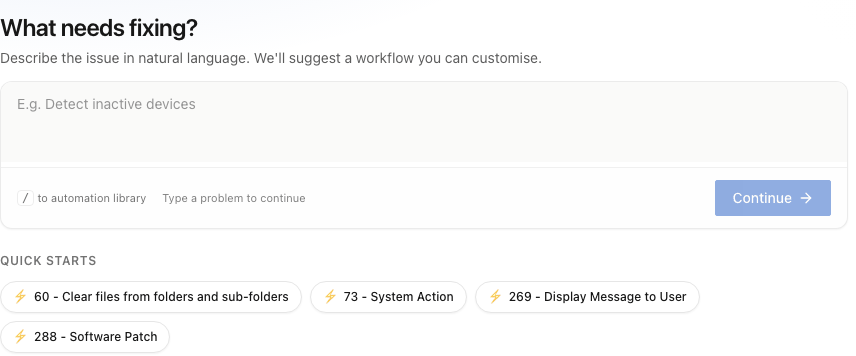
A task can require an approver before an on-demand run; every run is recorded as success, failed or pending, per device, the record an auditor asks for. Compliance & audit readiness.
Type the task as a sentence.
Haya, Nanoheal’s AI and analytics, matches the sentence to what the agent can do and returns an automation in the visual automation builder for you to review; the quick starts are library entries, not samples. Each flow passes a check that stops anything incomplete before it is staged.
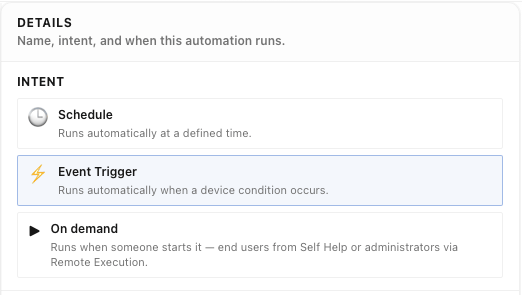
A person approves it, and the same automation can then start four ways.
- A symptom· this screen
- A forecast
- A request
- A schedule
Once a small job costs a sentence to automate, nobody has to wait for it.